Wild n Chill Tools Hub
Interactive helpers for Demo nights, bushcraft goals, and calm planning.
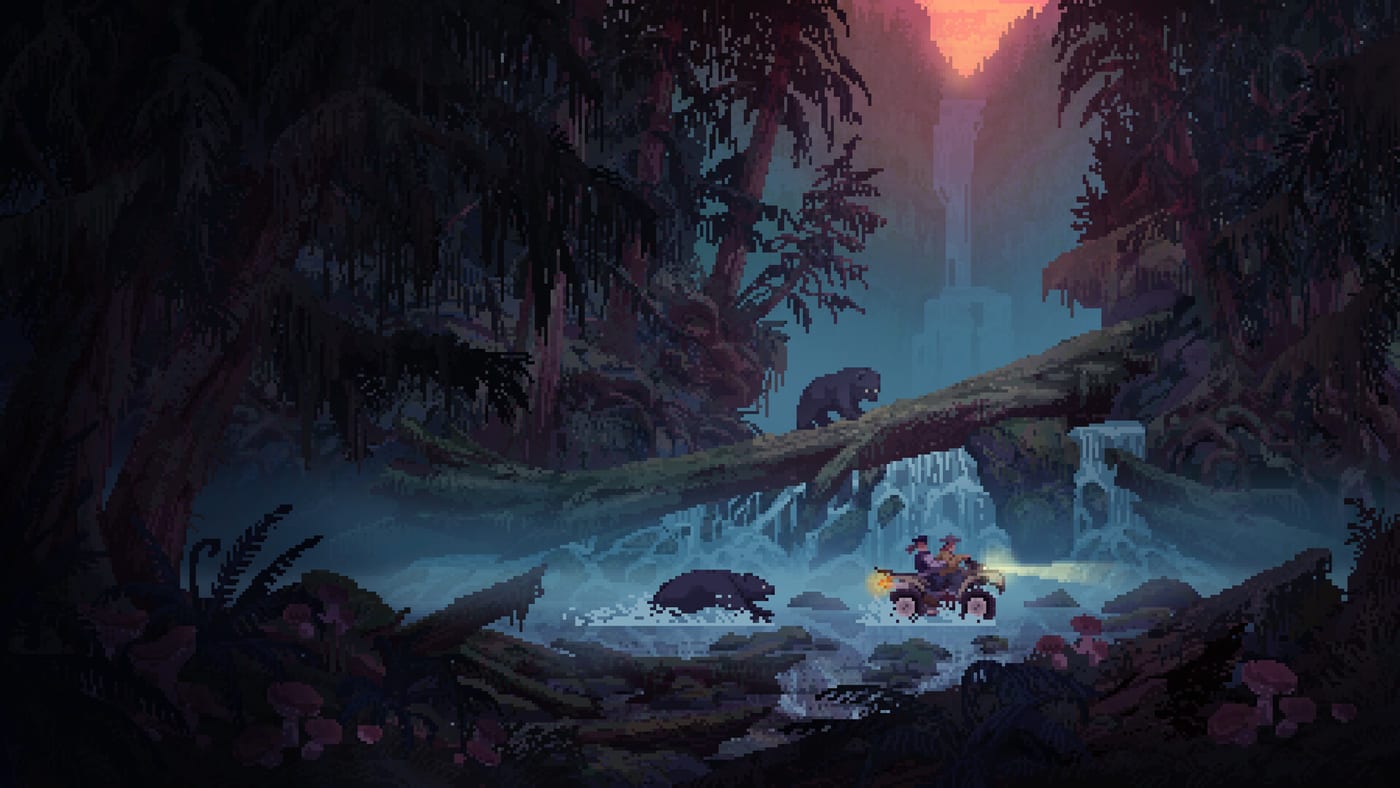
The Tools Hub collects interactive helpers that turn Wild n Chill advice into checkable actions. Guides explain systems; tools help you execute them during a Coldwater Crossing session without opening five tabs at once. Wombat Brawler’s cozy wilderness survival fantasy — forage, hunt, fish, trap, craft, and grow a cabin with a dog companion — plays best when you know the next calm task. The full game is TBA on Steam (App 3847920) for PC and Mac, with Switch platforms planned. Steam hosts a Coldwater Crossing Demo that went live on August 6, 2026 (App 4628650).
Right now the star helper is the Demo Survival Checklist — a browser-saved first-night tracker covering fire, shelter, food, water, bear awareness, Buck prep, and early tool progression.
Why wiki tools matter in a chill survival game
Wild n Chill rewards attention more than aggression. That also means it is easy to wander, forget water, and meet a black bear while chasing one more berry bush. A short checklist keeps the cozy fantasy intact: you still explore, but you do not forget the campfire that makes exploration possible.
Tools on this wiki never replace official patches. They summarize Demo-safe habits drawn from store facts and play patterns: food, water, and energy loops; bushcraft tool order; hermit trading; companion warnings; and co-op chore splits. Checklists should never invent Demo features. If a task mentions eleven regions, 40+ animals, or 20+ fish, label it as a full-game journal ambition unless Coldwater Crossing clearly includes it. Compare expectations on Demo vs Full.
Recommended workflow
- Skim Getting Started for mindset.
- Open the Demo Survival Checklist and leave it beside your game window.
- When a checkbox stalls, jump to Survival Needs, Tools Progression, or Bears and Danger.
- After a successful night, plan a Buck visit with Trading with Buck and log discoveries via Wildlife.
- Confirm inputs on the Controls Hub if menus or pads slow you down.
How to use wiki tools during a real session
- Boot the Demo first. Helpers are useless if the fire is only theoretical — grab the build from the Steam Demo page.
- Open one tool tab, not five. The Demo Checklist is enough for night one.
- Tick shelter and needs before novelty. Bears and Buck trades feel better when you are fed.
- Deep-link only when stuck. Jump to Demo Guide, Crafting, or Coldwater Crossing for the blocker in front of you.
- End with a note for friends. Online co-op up to four works smoother when tomorrow’s carpenter already knows tonight’s unfinished wall — see the Co-op Guide.
What belongs on a Wild n Chill tool page
Good tools are specific, Demo-aware, and honest about TBA systems. We avoid fake recipe databases that invent numbers the Demo does not show. Prefer checklists, reading orders, and planning aids that stay accurate when Wombat Brawler expands beyond Coldwater Crossing. Interactive components are registered in the site codebase separately; content JSON only places tags where players need them.
Cross-links for planners
- Demo Guide for region scope
- Cabin Building once shelter upgrades matter
- Co-op Guide before hosting friends
- Controls if input friction wastes the first hour
- Updates when Demo notes change the checklist assumptions
- System Requirements before inviting a friend on older hardware
- Links Hub for official Steam, studio, YouTube, and X destinations
Light hardware, heavy vibes
Published requirements stay modest (Windows 10, i3 3.2 GHz-class, 4 GB RAM, DX9, 256 MB GPU). Tools on this hub assume you can run the Demo; they do not replace performance troubleshooting. If a friend cannot join online co-op, confirm their install and input mode before blaming the checklist.
Official framing remains on the studio site, YouTube, X, and the full game Steam page.
Keeping tools updated
When the Demo build changes crafting order, bear behavior, or trading steps, the checklist page should change first. The full game remains TBA, so tools emphasize Coldwater Crossing reliability over speculative endgame calculators. We keep verbs honest: Demo went live, Steam hosts a Demo, full game is TBA. Never imply the complete game has shipped.
Use the FAQ below if you are unsure whether to start with a guide or a checklist, then jump into the interactive helper and treat each tick as permission to enjoy the fire a little longer.
Frequently Asked Questions
Quick answers to the most common questions.
What tool should I open first?
The Demo Survival Checklist — it turns first-night goals into checkboxes saved in your browser.
Do tools invent recipes?
No. We keep helpers tied to Demo-safe progression and official pitch facts rather than fabricated databases.
Should I use Tools or Guides first?
Use Getting Started once for orientation, then the Demo Checklist for repeatable session structure.
Where do I go after finishing the checklist?
Move into cabin upgrades, Buck trading, wildlife journal curiosity, and co-op chore planning via the linked guides.